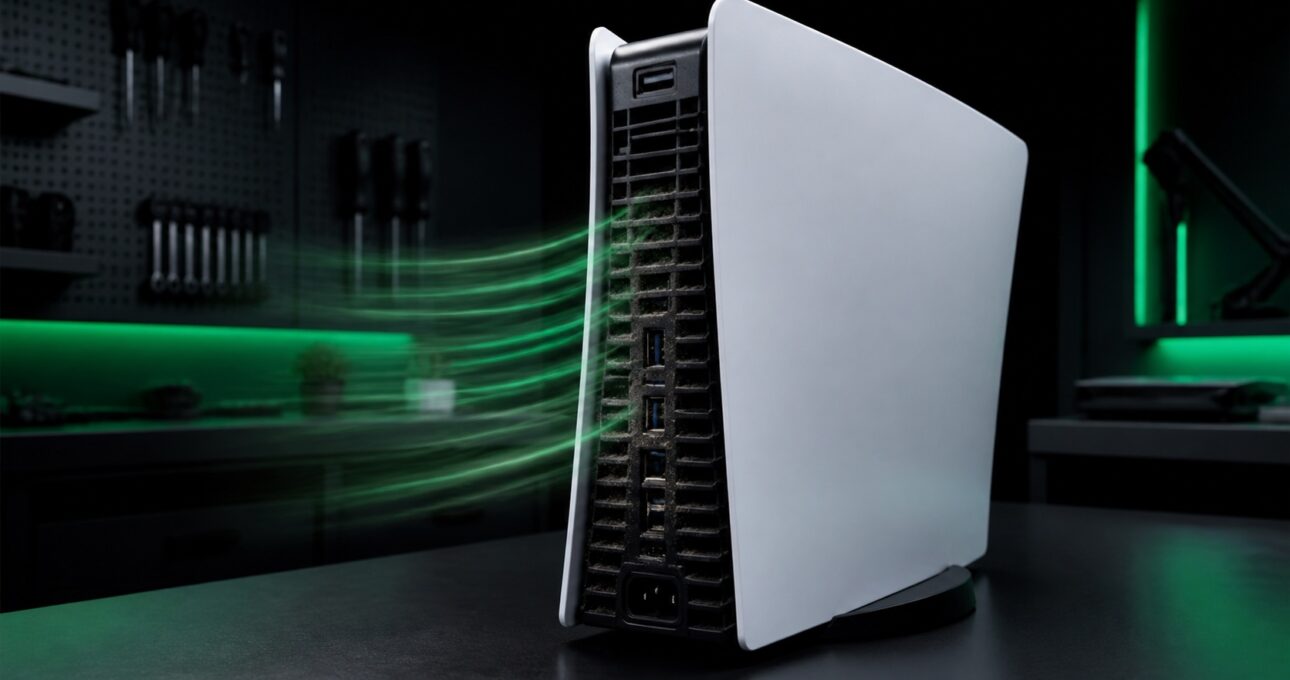
A louder fan can be normal during demanding games, but persistent noise, heat warnings or shutdowns can point to restricted airflow, dust build-up or a deeper cooling fault.
A professional PS5 deep clean restores airflow and checks whether the fan, cooling system or motherboard needs further attention.
Signs you may need PS5 overheating repair
What causes PS5 overheating?
Dust can collect on the fan, intake channels and heatsink fins.
Closed cabinets, carpets and blocked exhausts can recycle hot air.
Mechanical noise can indicate wear, debris or damage.
If airflow is clear but temperatures remain abnormal, deeper diagnosis is needed.
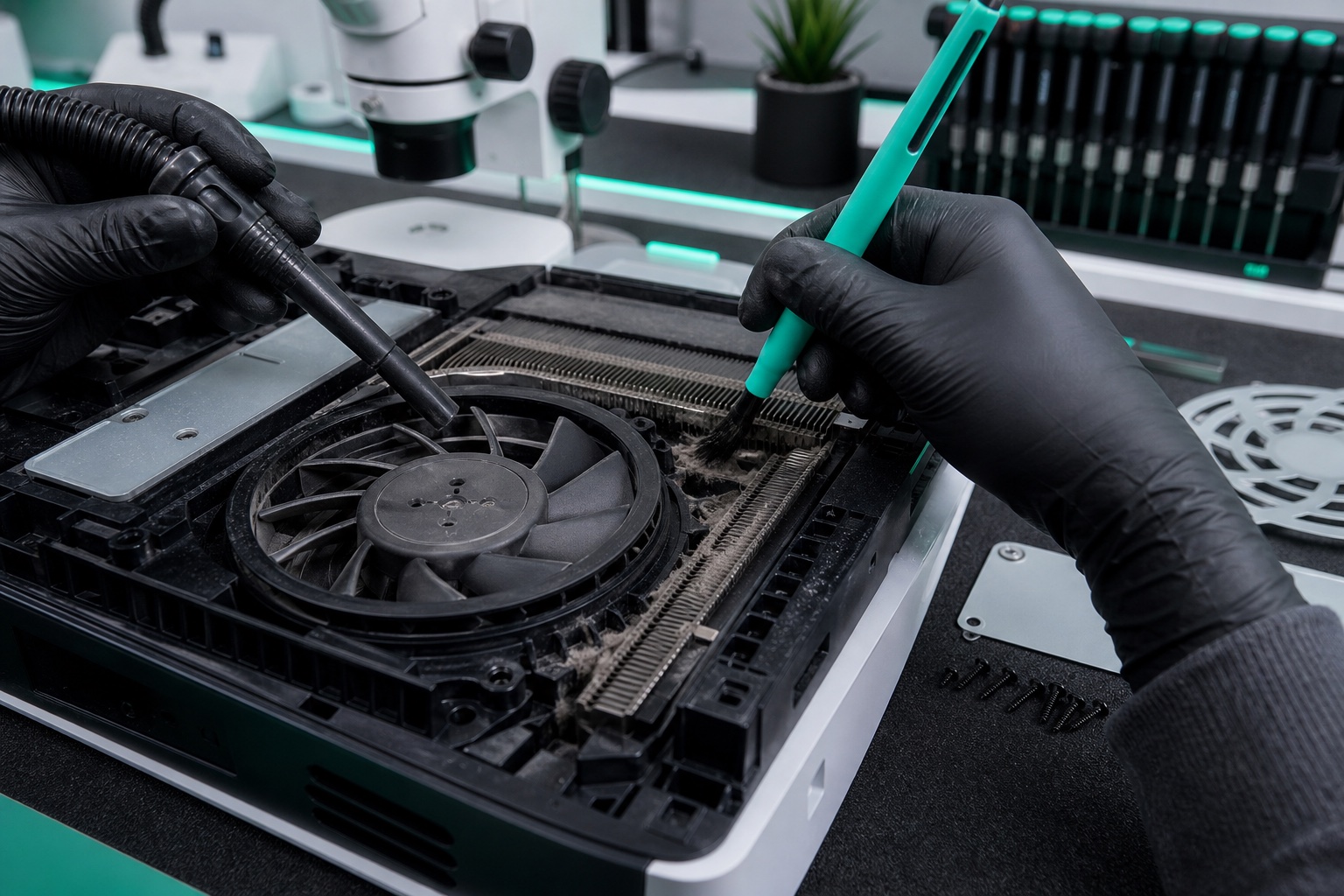
What a professional deep clean includes
Fan noise, airflow and shutdown behaviour.
Correct tools and protection for connectors.
Dust removed from the real cooling path.
Stable operation and airflow checked under load.
When cleaning is not enough
If the fan does not spin correctly, noise is mechanical, or the console still shuts down after airflow is restored, further diagnosis may be needed for a fan, sensor, power or motherboard fault.
If your console also has display problems, see our PS5 HDMI repair guide. For other faults, visit the PlayStation repair service.
Frequently asked questions
Demanding games can increase fan speed, but a lasting change may point to dust, poor ventilation or fan wear.
It can when dust or airflow restriction is the cause. Continued overheating afterwards needs further diagnosis.
Yes. iRestore provides nationwide tracked mail-in service for PS5 cleaning and repair.
Book a professional inspection and deep clean with nationwide tracked repair from iRestore.