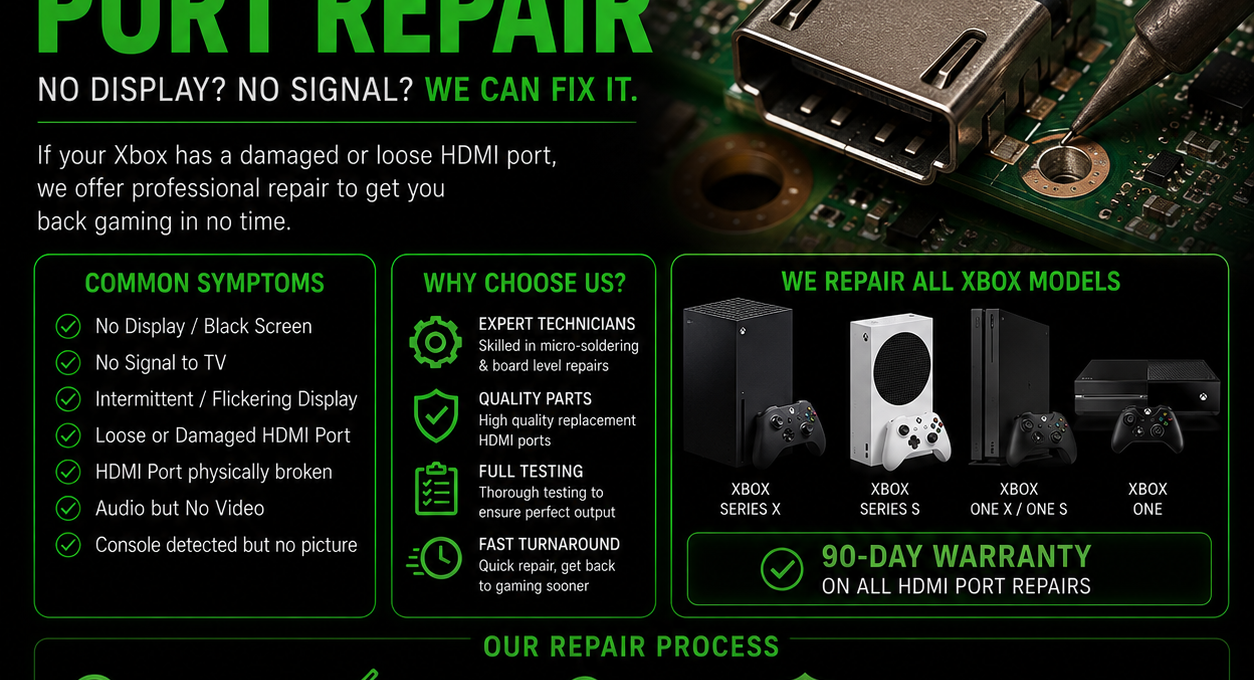
If your Xbox Series X powers on but the TV reports No Signal, the HDMI output path is the first place to investigate.
A damaged socket is common, but a black screen can also be caused by cracked solder joints, damaged pads or a fault elsewhere in the video-output circuit.
Signs the HDMI port may be damaged
What if the port looks normal?
A visually intact connector does not rule out an HDMI fault. Solder joints underneath can crack, motherboard pads can be damaged, and components in the output circuit can fail.
Why Xbox HDMI repair is board-level work
The Series X HDMI connector is soldered directly to the motherboard. Replacement needs controlled heat, correct alignment and inspection of the pads and surrounding components. Damaged traces or pads may also need reconstruction.
Checks you can make first
Try another known-working HDMI cable
Try another TV input
Fully power-cycle the Xbox and TV
UK-wide Xbox Series X repair
iRestore provides Xbox Series X and Series S repair across the UK, including HDMI, no-power, overheating and other hardware faults.
If the socket is visibly damaged, choose the relevant repair. If it looks normal but there is still no picture, choose diagnostics.