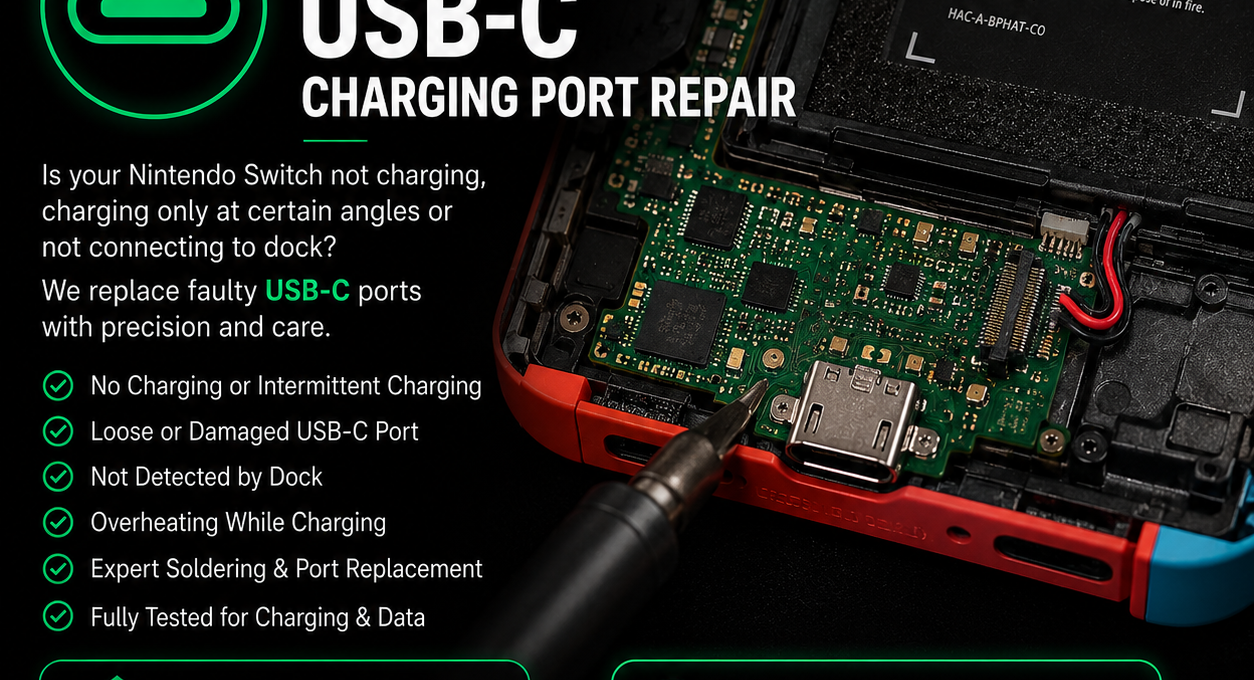
When the Nintendo Switch USB-C port or charging circuit fails, symptoms can range from intermittent charging to a completely dead console.
The port is a common failure point, but it is not the only possible cause, so diagnosis should check the surrounding charging circuitry too.
Common Switch charging-port symptoms
Is a damaged USB-C port always the cause?
No. Charging faults can also involve the motherboard or charging circuitry around the connector. Replacing the socket without testing can miss the real fault.
Safe checks before repair
Try an official or known-working compatible charger
Inspect the port with good light
Do not insert metal tools into the connector
Why USB-C replacement needs specialist equipment
The socket is soldered directly to the motherboard with multiple connections. Proper replacement requires controlled heating, accurate alignment and inspection of the pads and nearby components. Previous unsuccessful repairs can make the job more complex.
Switch, OLED and Lite repairs by post
iRestore repairs Nintendo Switch, Switch OLED and Switch Lite charging and USB-C faults across the UK.
Choose the relevant repair if the port is visibly damaged, or diagnostics if the Switch is dead or the cause is unclear.